

eMMC
The Vicharak-Axon board exposes an eMMC 5.1 device connected to the SoC’s MMC controller. It offers three capacity options: 32GB / 64GB / 128GB. The interface provides persistent storage for the operating system, user data, and diagnostics. eMMC 5.1 offers reliable multi-block read/write, boot partitions, and compatibility with standard MMC/SDHCI stacks in modern Linux kernels.
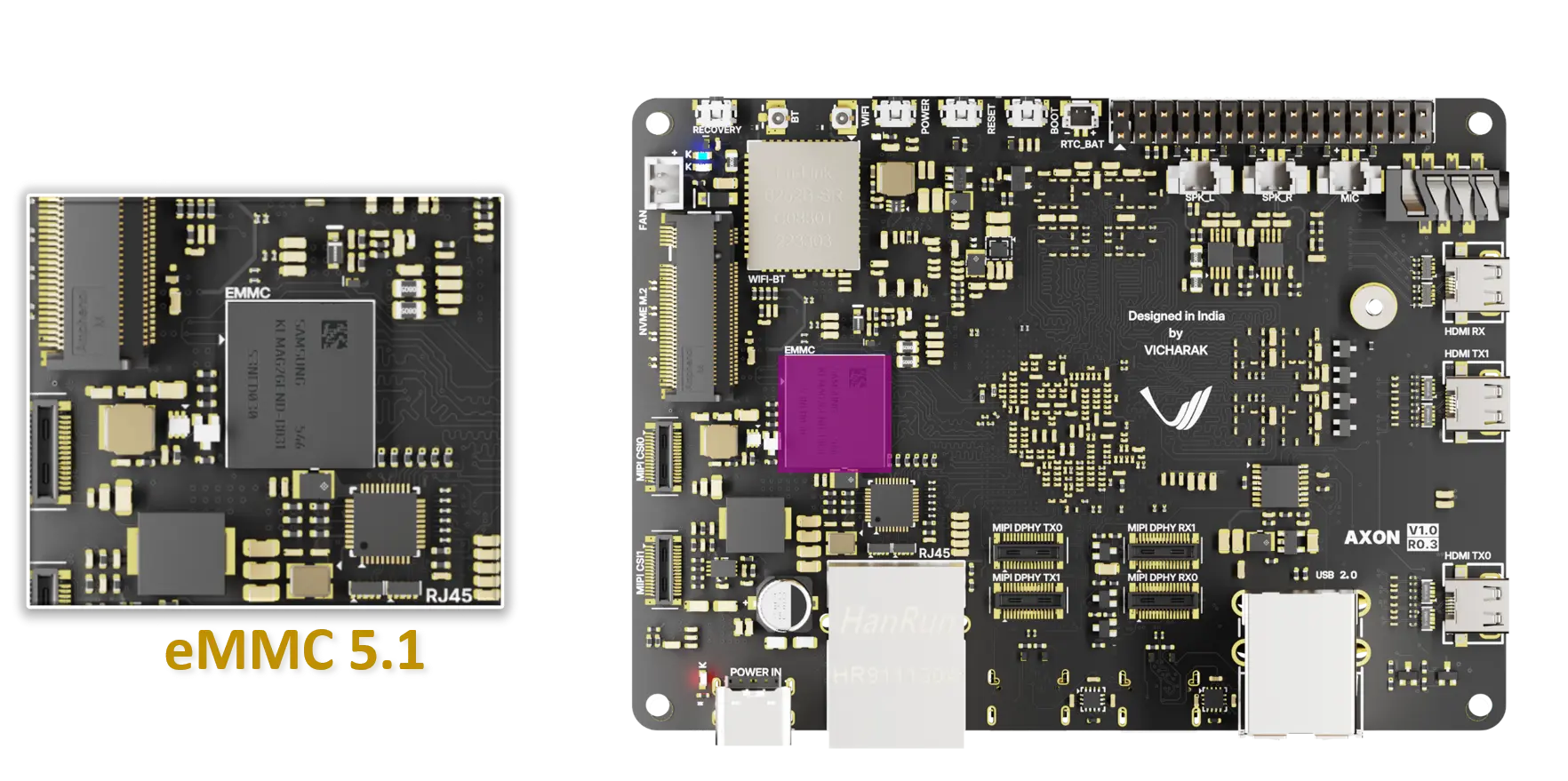
Hardware interface and pinout
The eMMC interface is wired to the SoC MMC controller with the following essential signals:
CMD: command/response line
CLK: clock input
DAT[0:7]: data lines (8-bit bus)
VCC: core/eMMC supply
VCCQ: I/O supply for the eMMC interface
GND: ground reference
RST: reset
Boot behavior and partitions
Formatting and partitioning
Partition the eMMC using standard partitioning tools (fdisk, sfdisk)
Create filesystems as needed (ext4, btrfs, f2fs, etc.)
Software integration
Linux kernel MMC/SDHCI driver drives the eMMC interface and exposes the device as /dev/mmcblkX (and /dev/mmcblkXpN), use the command “lsblk”
Device-tree entries describe the MMC controller, bus width, clock rates, and supply rails
If using the eMMC as root filesystem, plan the partition layout accordingly and ensure bootloader configuration points to the correct root device
Troubleshooting
If the eMMC is not detected, check kernel logs for MMC/SD/SDHCI messages to identify initialization or timing issues
Ensure there are no contention issues with other peripherals sharing the same MMC controller
Check for broken tracks or other hardware issues